
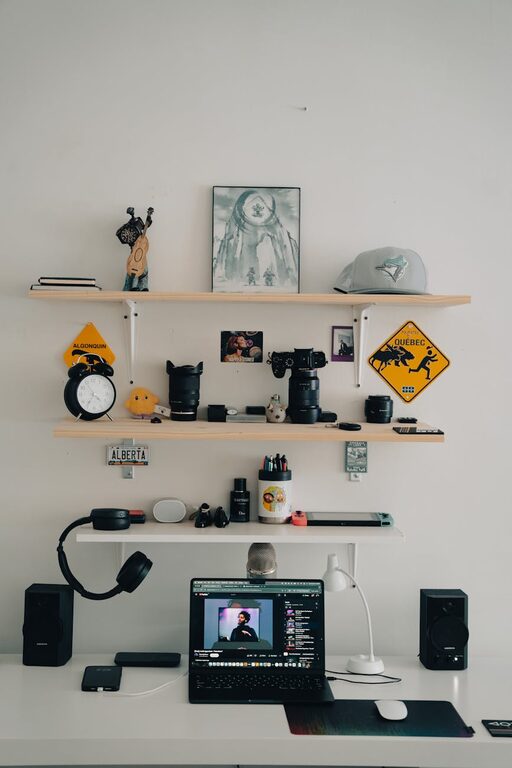
In today’s tech-driven world, our digital lives can quickly become cluttered with files, emails, apps, and countless passwords. This digital clutter not only slows down devices but can also cause stress and reduce productivity. The good news? Decluttering your digital life is manageable with consistent effort and smart strategies.
In this post, we’ll explore practical steps to help you organize your digital space, making technology work for you rather than against you.
Why Declutter Your Digital Life?
Before diving in, let’s understand why a digital declutter matters:
– Improved focus and productivity: Fewer distractions help you work more efficiently.
– Better device performance: Removing unused apps and files frees up storage and speeds up devices.
– Enhanced security: Managing passwords and deleting sensitive information reduces risks.
– Peace of mind: An organized digital environment feels less overwhelming.
Step 1: Tidy Up Your Files and Folders
Just like cleaning your physical desk, start by organizing your digital files.
Create a File Organization System
– Use clear folder names: Categorize by projects, topics, or dates.
– Archive old files: Move rarely accessed documents to an external drive or cloud archive.
– Delete duplicates: Use tools or manual checks to remove repeated files.
– Regular backups: Ensure important files are backed up to avoid loss.
Tips for Managing Downloads and Desktop
The “Downloads” folder can become a clutter hotspot.
– Set a weekly reminder to clear and sort downloads.
– Avoid saving files directly to the desktop; use organized folders instead.
Step 2: Manage Your Email Inbox
An overflowing inbox is a common source of digital stress.
Unsubscribe and Filter
– Unsubscribe from newsletters or promotions you no longer read.
– Create filters or rules to sort emails automatically into folders.
Use Inbox Zero Techniques
– Allocate time daily or weekly to process emails.
– Delete, delegate, or file messages rather than letting them pile up.
Archive Old Emails
Archiving keeps your inbox clean but retains important messages for future reference.
Step 3: Streamline Your Apps and Software
Too many apps can clutter your device and distract you.
Evaluate and Remove Unused Apps
– Review apps on your phone and computer; uninstall those you never use.
– Consolidate apps with overlapping functions.
Organize Apps into Folders
Group similar apps together for easy access and a tidy look.
Keep Software Updated
Updating keeps apps secure and running smoothly while sometimes reducing bugs that cause slowdowns.
Step 4: Simplify Your Digital Accounts and Passwords
Multiple accounts and passwords can be hard to manage and create vulnerabilities.
Use a Password Manager
– Password managers securely store and generate strong passwords.
– This reduces the temptation to reuse passwords across sites.
Delete Unused Accounts
Closing accounts you no longer use limits your exposure to data breaches.
Review Privacy Settings
Regularly check the privacy settings of your accounts to ensure you share only what you want.
Step 5: Organize Your Digital Calendar and Tasks
A cluttered schedule and task list can add to stress.
Choose One Calendar System
– Sync work and personal calendars to avoid conflicts.
– Use color codes to distinguish types of events.
Simplify Your To-Do Lists
– Combine multiple task apps into one.
– Prioritize tasks and break big projects into smaller steps.
Step 6: Clean Up Your Digital Devices
Physical maintenance complements digital organization.
– Delete old photos and videos or move them to cloud storage.
– Clear browser cache and cookies.
– Restart devices regularly to keep them running well.
Tips to Maintain Your Digital Declutter
Decluttering is an ongoing process. Here are some tips to keep your digital life tidy:
– Schedule monthly or quarterly digital cleanups.
– Set daily habits, like sorting emails or organizing files.
– Resist the temptation to download or save unnecessary files.
– Use automation like filters and rules to minimize manual work.
Conclusion
Decluttering your digital life can feel overwhelming at first, but by breaking it into manageable steps, you’ll enjoy a more organized, efficient, and less stressful experience with your technology. Start small, stay consistent, and watch how a clean digital environment improves your day-to-day life.
Take the first step today—your devices (and your mind) will thank you!